You are being scheduled for pickup/delivery service. You must now PAY for your package to confirm its schedule. All services must be paid in advance before it is scheduled.
How to Pay
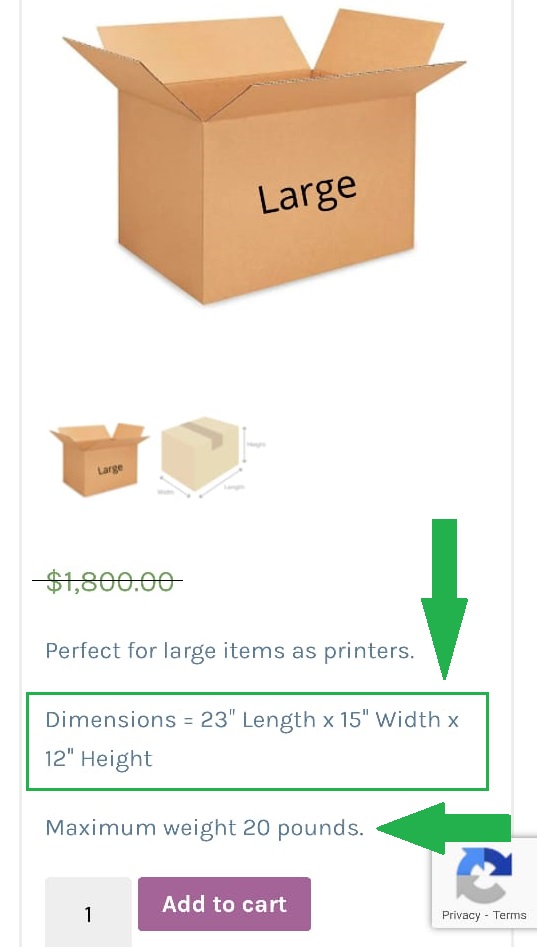
Select your package (click on a package box for details on size and weight).
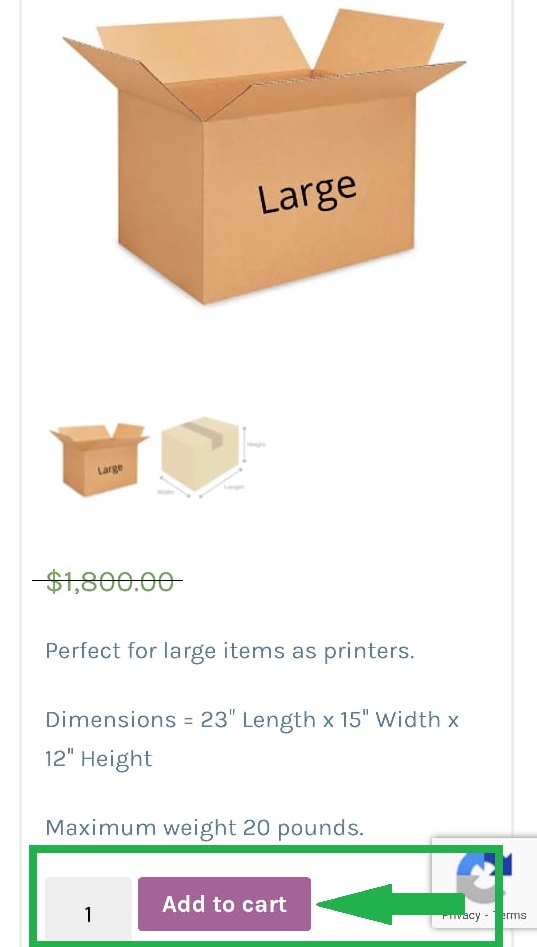
Click the ADD TO CART button.
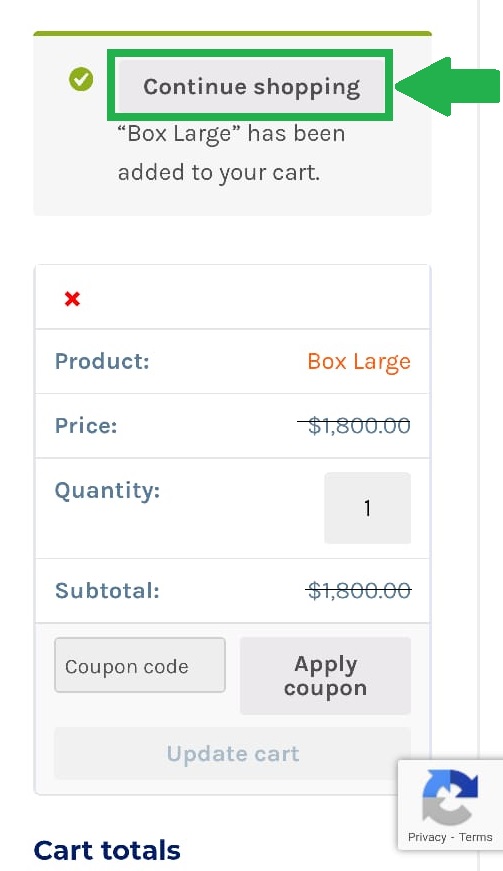
Click the CONTINUE SHOPPING button to add another package to your cart … or …
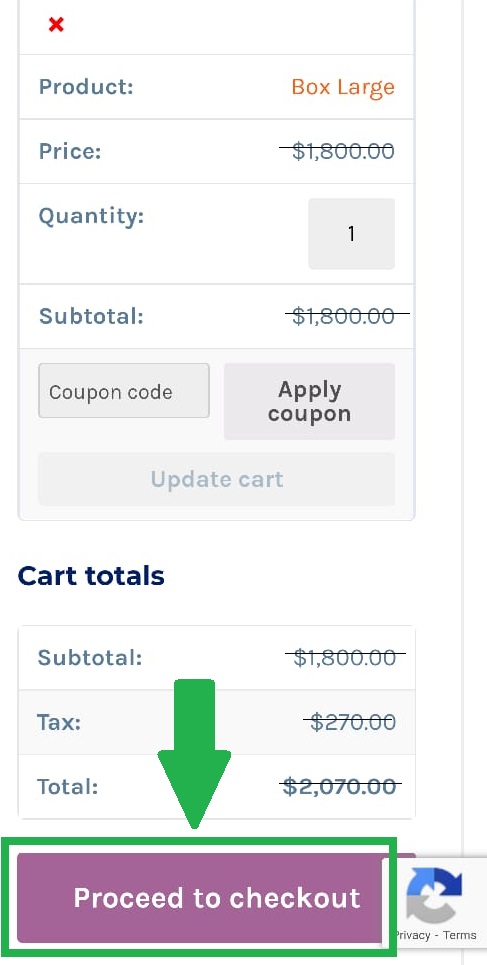
Click the PROCEED TO CHECKOUT button to complete your schedule.